Web UI overview
The Priompt web UI lets you browse, edit, and publish prompts in a browser instead of with the CLI. You can read every version of a prompt, see the semantic verdict the server gave each change, and branch, promote, merge, and roll back.
The UI is a SvelteKit app. Its server side calls Priompt over gRPC, so your token stays on that server and never reaches the browser.
Prerequisites
Before you begin, make sure you have:
- The web UI running and connected to a server: see Run the web UI.
- Some prompts with history: run
seed-dev.shas described in Run the web UI, or publish a few prompts yourself.
Tour
The screenshots below follow one prompt, priompt://acme/onboarding/welcome, from the home page to a commit and its verdict.
-
The home page lists every namespace on the server. A namespace is an org, the first part of a prompt's address. Select one to open it.
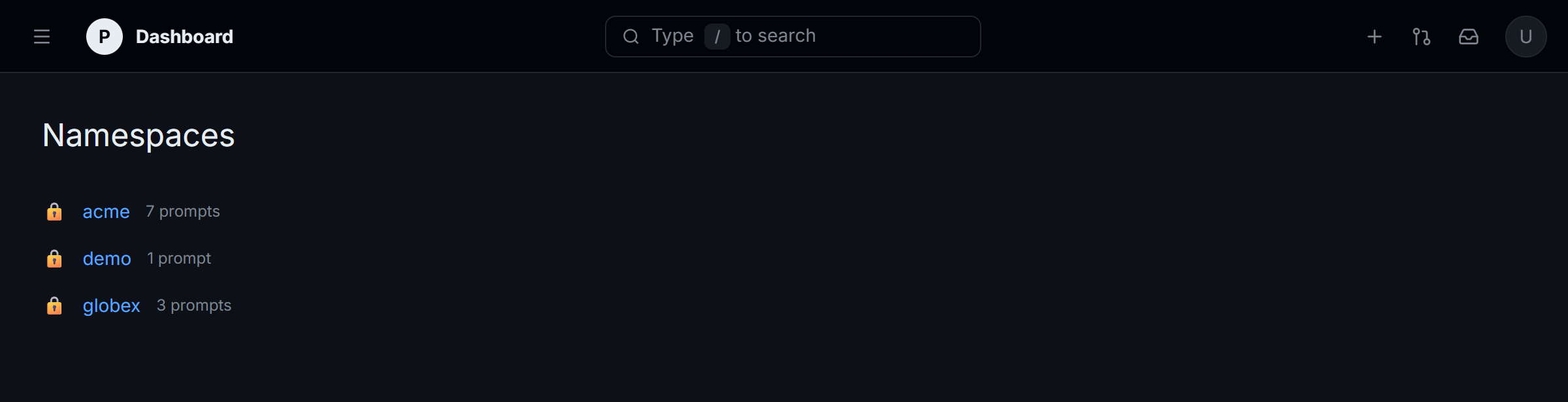
The dashboard lists every namespace on the server with its prompt count.
-
A namespace lists its folders and prompts on
main, the branch Priompt serves to agents.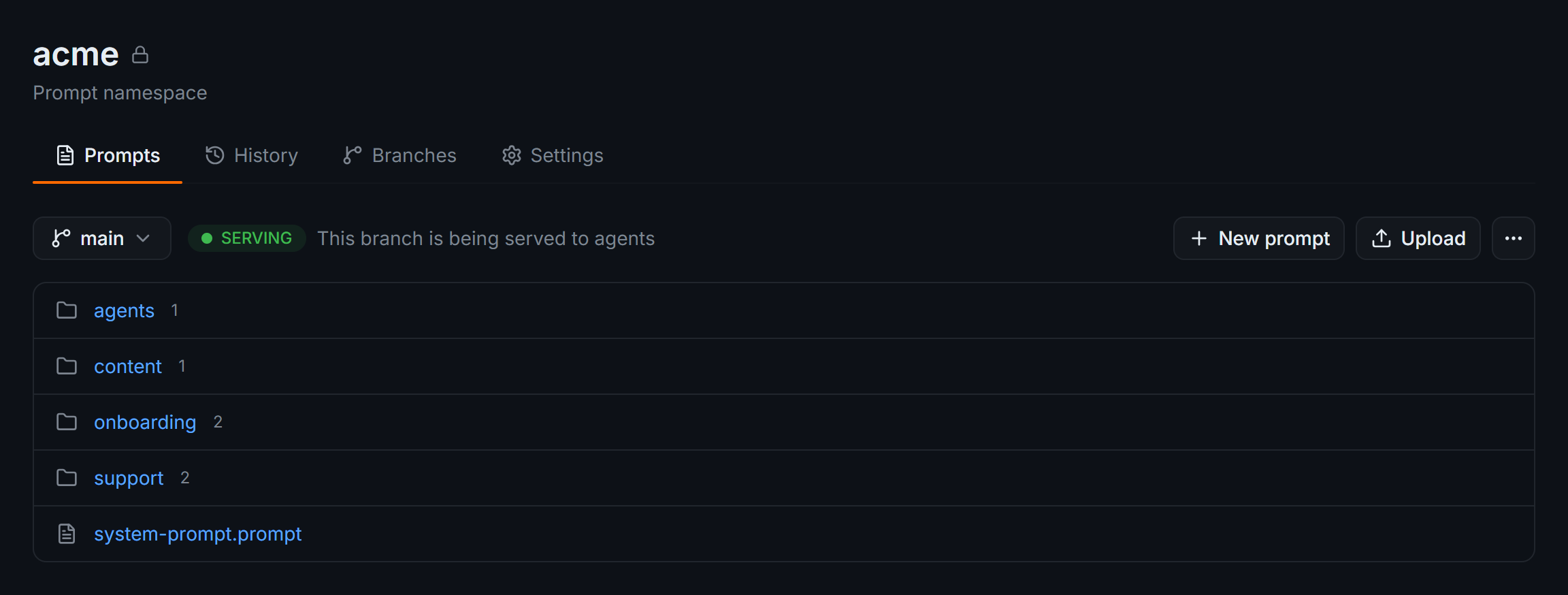
Folders and prompts in the acme namespace. Each
.promptfile is one prompt. -
A prompt shows its template with each slot, a named blank like
{name}that your app fills in, highlighted.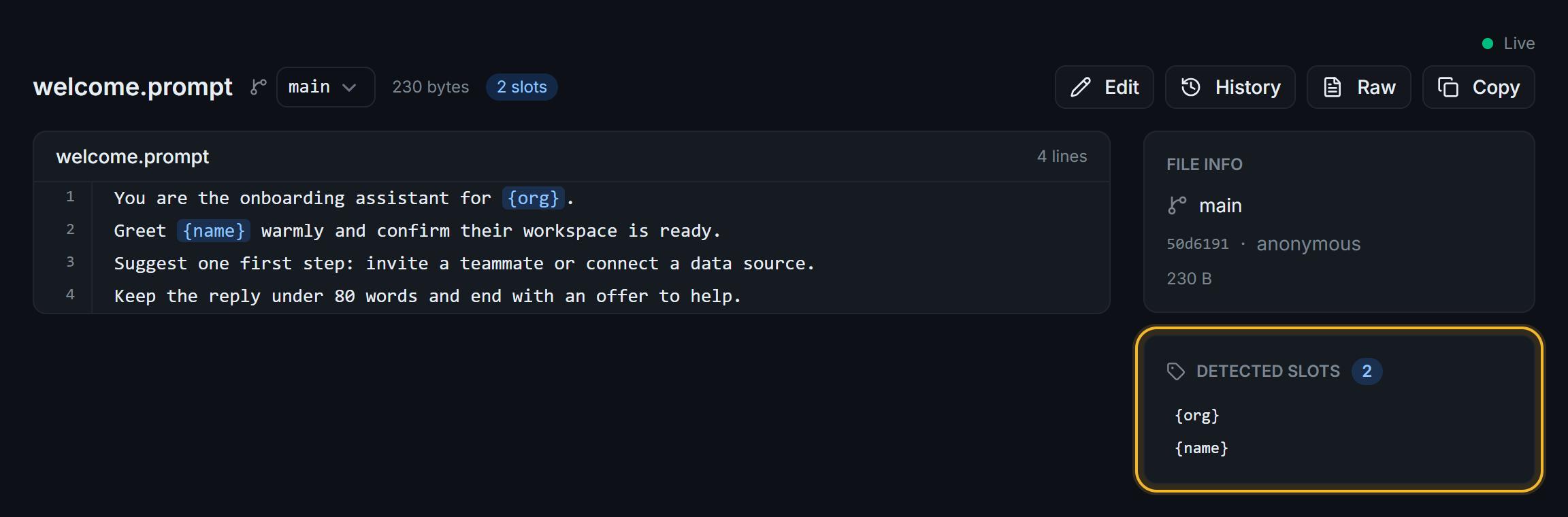
The prompt view, with its slots, the commit it was read from, and the Edit, History, and Copy actions.
-
History lists every commit of the prompt, newest first.
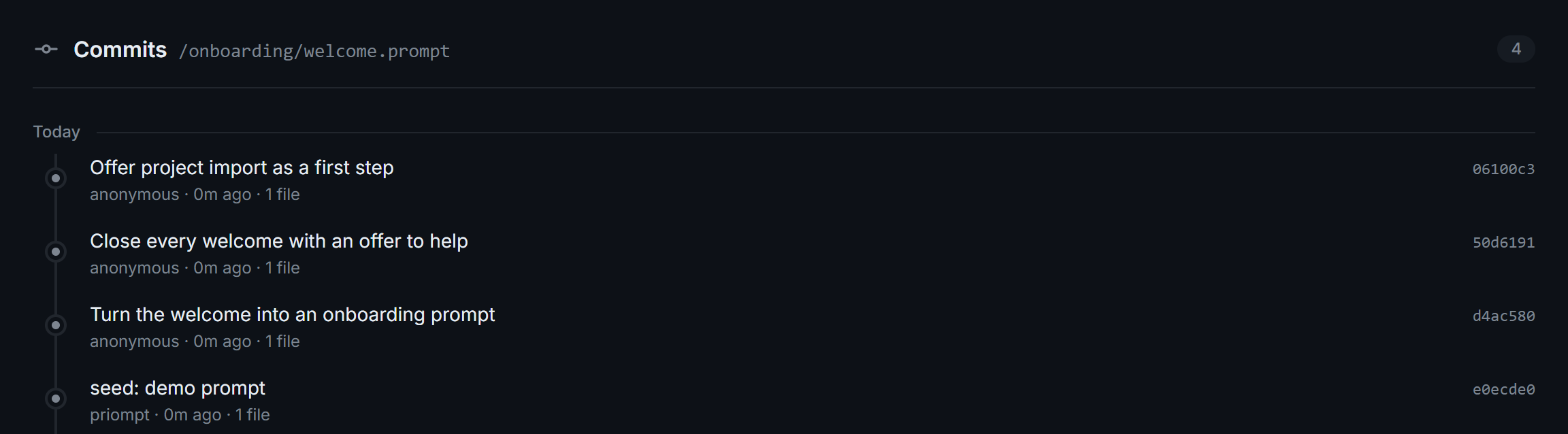
Each commit shows its message, author, and short hash.
-
A commit shows the line diff and the server's semantic verdict for each change.
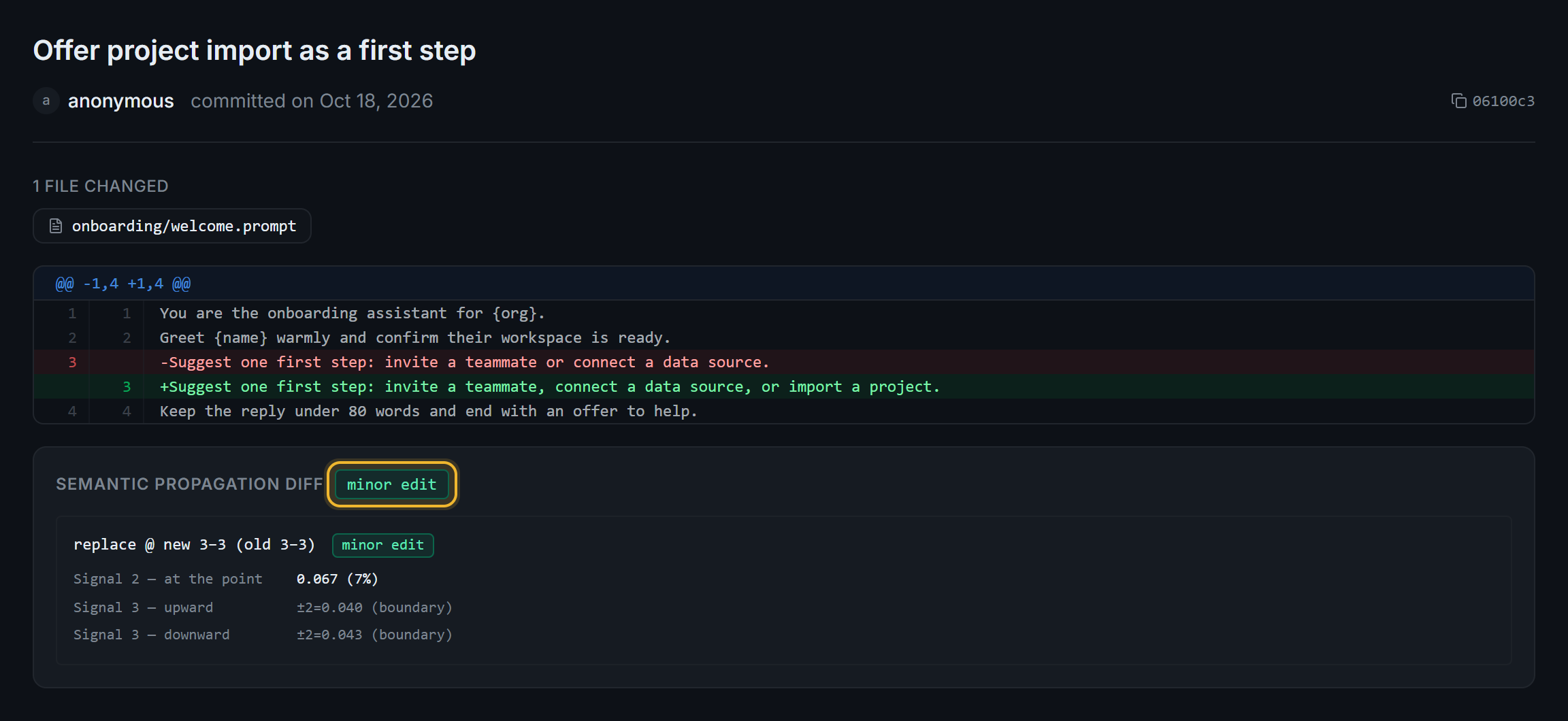
This edit rates
minor edit, the smallest of the three verdicts.
What you can do
| Task | Where | Guide |
|---|---|---|
| Browse namespaces, folders, and prompts | Home page, then a namespace | Browse prompts and history |
| Read a prompt's history | History on a prompt | Browse prompts and history |
| Search a namespace | The navbar search box inside a namespace | Browse prompts and history |
| Edit a prompt and publish it | Edit on a prompt, then Save | Edit and publish a prompt |
| Create a prompt | New prompt in a namespace | Edit and publish a prompt |
| Read a commit's diff and verdict | A commit in History | Review a commit and its verdict |
| Branch, compare, promote, merge, and roll back | Branches tab | Branch, promote, and roll back in the UI |
Some controls don't do anything yet: the navbar search box on the home page (it opens a Ctrl+K dialog with sample data), the +, pull request, inbox, and account buttons, Upload, Raw, the /init and /settings pages, and everything below Connection on a namespace's Settings tab.
Next steps
- Run the web UI: install the UI and point it at your server.
- Edit and publish a prompt: change a template and ship it as a commit.
- Branch, promote, and roll back in the UI: stage a change on
devbefore it reaches agents.